If you’ve spent any time looking into website platforms, you’ve seen WordPress mentioned again and again. It powers everything from tiny personal blogs to major news outlets and high-traffic online stores. But what exactly makes it so widely used – and is it the right fit for your next website?
This review takes an all-round look at WordPress as a platform: how it works, where it shines, where it demands more effort, and what kind of projects benefit most from moving to it. The goal isn’t to hype WordPress, but to give you a clear, practical sense of what you gain (and what you take on) when you choose it.
What WordPress Is and How It Works
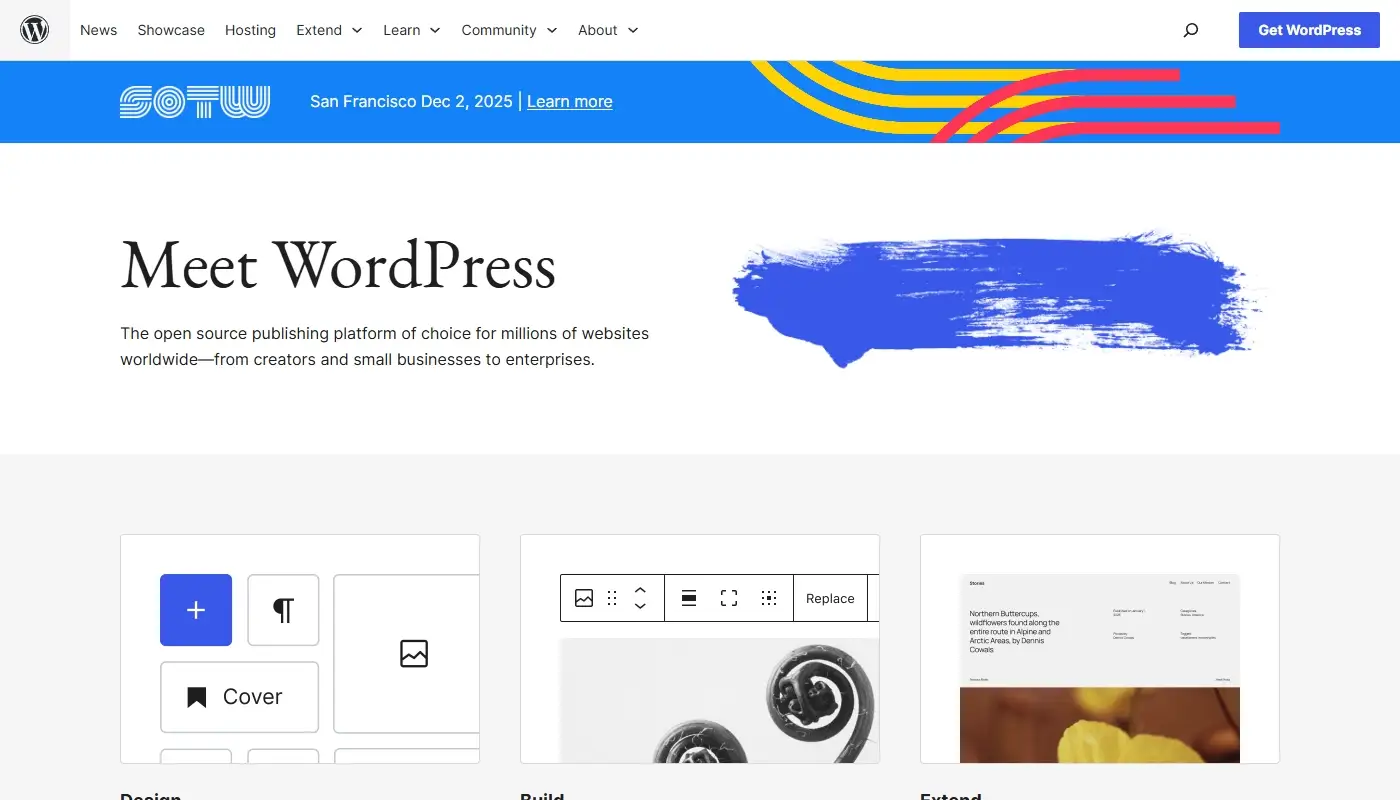
When people talk about WordPress as a powerful, flexible website platform, they usually mean WordPress.org, often called “self-hosted WordPress.” This is open-source software that you install on a hosting account you control. It’s free to download and use, and you own the site that you build with it.
This is different from closed, all-in-one site builders. With WordPress, you bring your own hosting provider, connect your domain, and install the software via a hosting panel or a one-click installer. Once it’s set up, you manage your website through a dashboard in your browser, where you create pages, posts, menus, and settings.
The key idea is straightforward: WordPress provides the engine, while hosting, themes, and plugins form the rest of the car. That separation is exactly what gives you long-term flexibility. You can change hosting, switch themes, and add or remove plugins without needing to abandon the platform itself.
The Content Editing Experience: Blocks and Visual Control
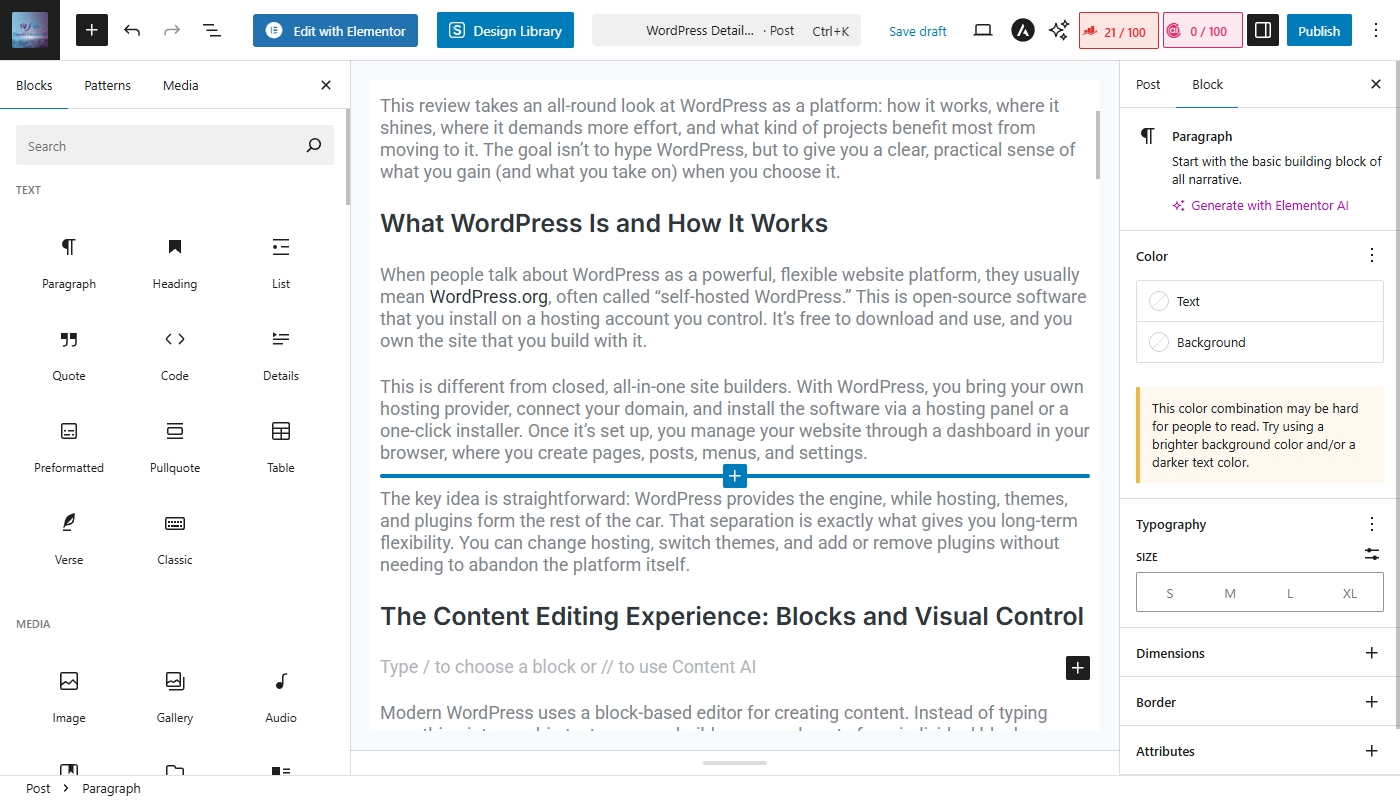
Modern WordPress uses a block-based editor for creating content. Instead of typing everything into one big text area, you build pages and posts from individual blocks: paragraphs, headings, images, buttons, columns, galleries, forms, and more. Each block has its own settings, so you can adjust spacing, alignment, colors, and other details directly in the editor.
For many users, this is a big upgrade from older, more rigid editing tools. You get a more visual, modular way to structure content, and you can save reusable block patterns for sections you repeat across multiple pages – things like testimonials, feature grids, or call-to-action sections.
If you want even more visual control, you can add a dedicated page builder or theme builder plugin. These tools layer on additional drag-and-drop capabilities, animation options, and advanced layout controls. The result can feel as easy and visual as a typical site builder, but you’re still inside an open, extensible system.
You might also want to explore our guide to Weebly alternatives.
Themes and Design Flexibility
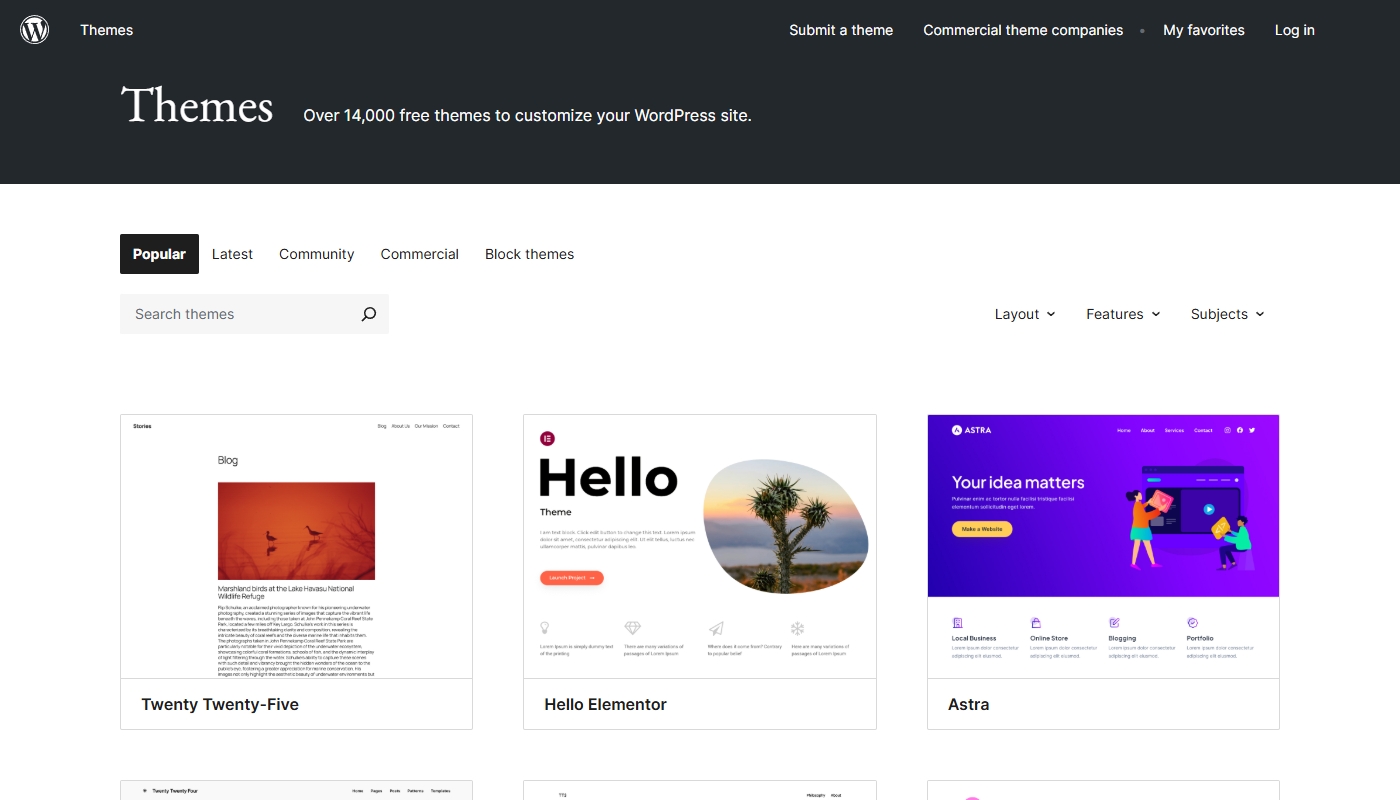
WordPress themes are essentially design packages that define how your site looks: layout, fonts, color palettes, and the overall style of pages, posts, and archive views. There are thousands of themes available, from simple blog designs to complex multipurpose frameworks and highly focused niche templates.
You can start with a minimal theme and rely heavily on blocks and patterns, choose a pre-built design tailored to your niche, or invest in a premium theme that comes with its own layout system and starter sites. Many modern themes support global styles and full-site editing, allowing you to adjust typography and color systems across your entire site from a central interface.
What sets WordPress apart is not just the variety of themes, but the fact that you can switch themes without throwing away your content. Your pages and posts remain, and you can gradually refine or replace the design as your brand evolves. This is very different from closed builders where your content is tightly coupled to one template system and hard to repurpose elsewhere.
Plugins and the WordPress Ecosystem
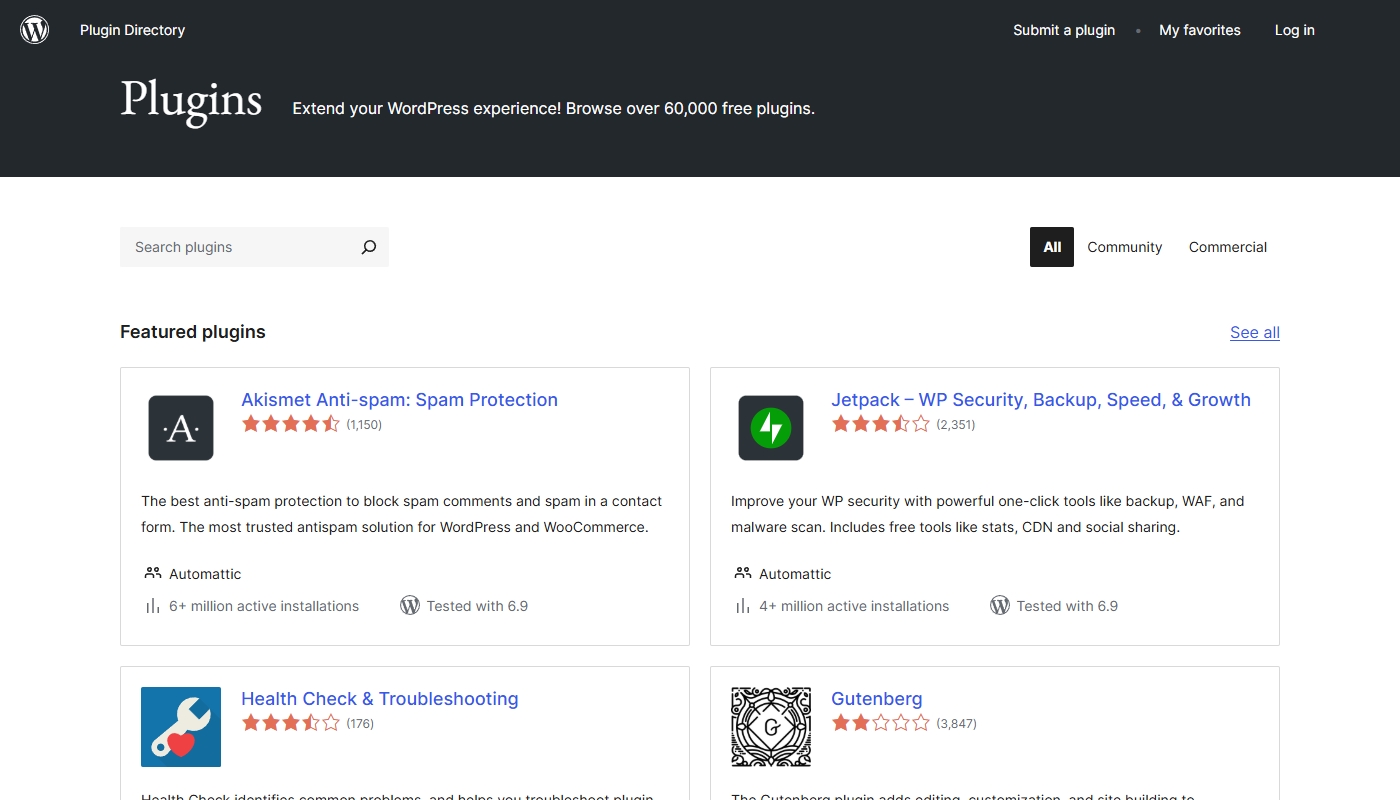
Plugins are where WordPress transforms from “a way to publish web pages” into “a platform for almost any online project.” A plugin is a modular add-on that gives your site new features: SEO tools, contact forms, sliders, security layers, payment gateways, learning management, membership systems, booking engines, multilingual support and much more.
Because WordPress has been around for so long and is so widely adopted, its plugin ecosystem is huge. For many business needs, there isn’t just one plugin option; there are multiple mature solutions, from free to premium. That lets you choose tools that match your budget, your technical comfort level, and your growth plans.
Of course, this freedom comes with responsibility. You do need to be selective about which plugins you use, pay attention to ratings and updates, and avoid cluttering your site with unnecessary add-ons. When managed sensibly, though, the plugin ecosystem is one of the biggest reasons businesses move to WordPress in the first place.
SEO Strengths and Content Architecture
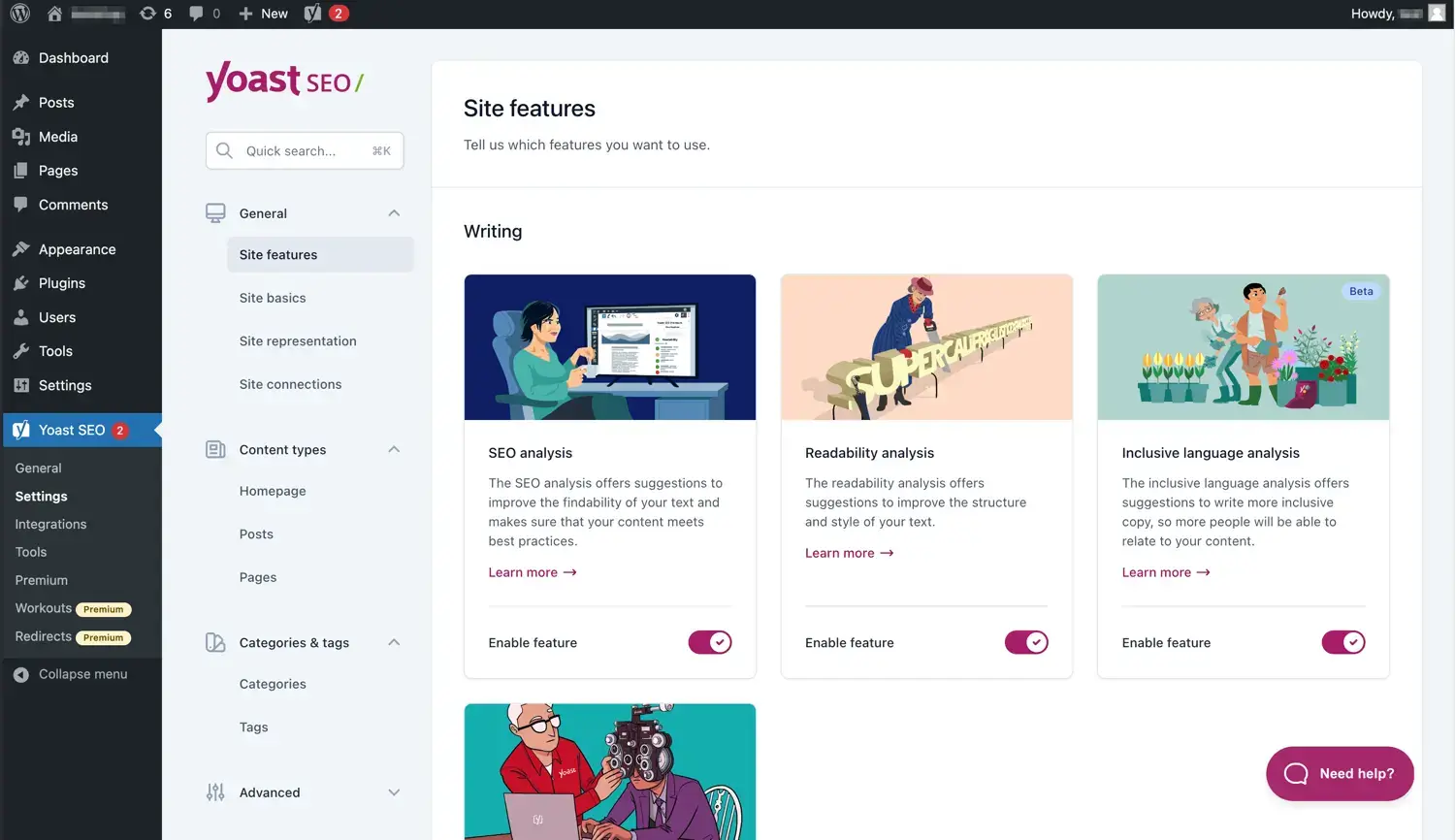
If search visibility and content marketing matter to you, WordPress is one of the strongest foundations you can pick.
Out of the box, it organizes content into posts, pages, categories, and tags, giving you a clear structure and clean URLs. When you add a reputable SEO plugin, you gain fine-grained control over meta titles and descriptions, XML sitemaps, schema markup, redirects, and canonical URLs. You can also shape your internal linking strategy, build topic clusters and manage large libraries of content without relying on awkward workarounds.
Equally important is the ability to fine-tune performance and technical details that affect SEO. You can adjust caching, image compression, lazy loading, database optimization, and content delivery networks. You can also work with developers or performance specialists to optimize at the server level if your site becomes very large or high-traffic.
The end result is a platform that doesn’t just let you publish content, but supports serious, long-term SEO programs – the kind that bring in compounding organic traffic over time.
eCommerce: Turning WordPress into a Store
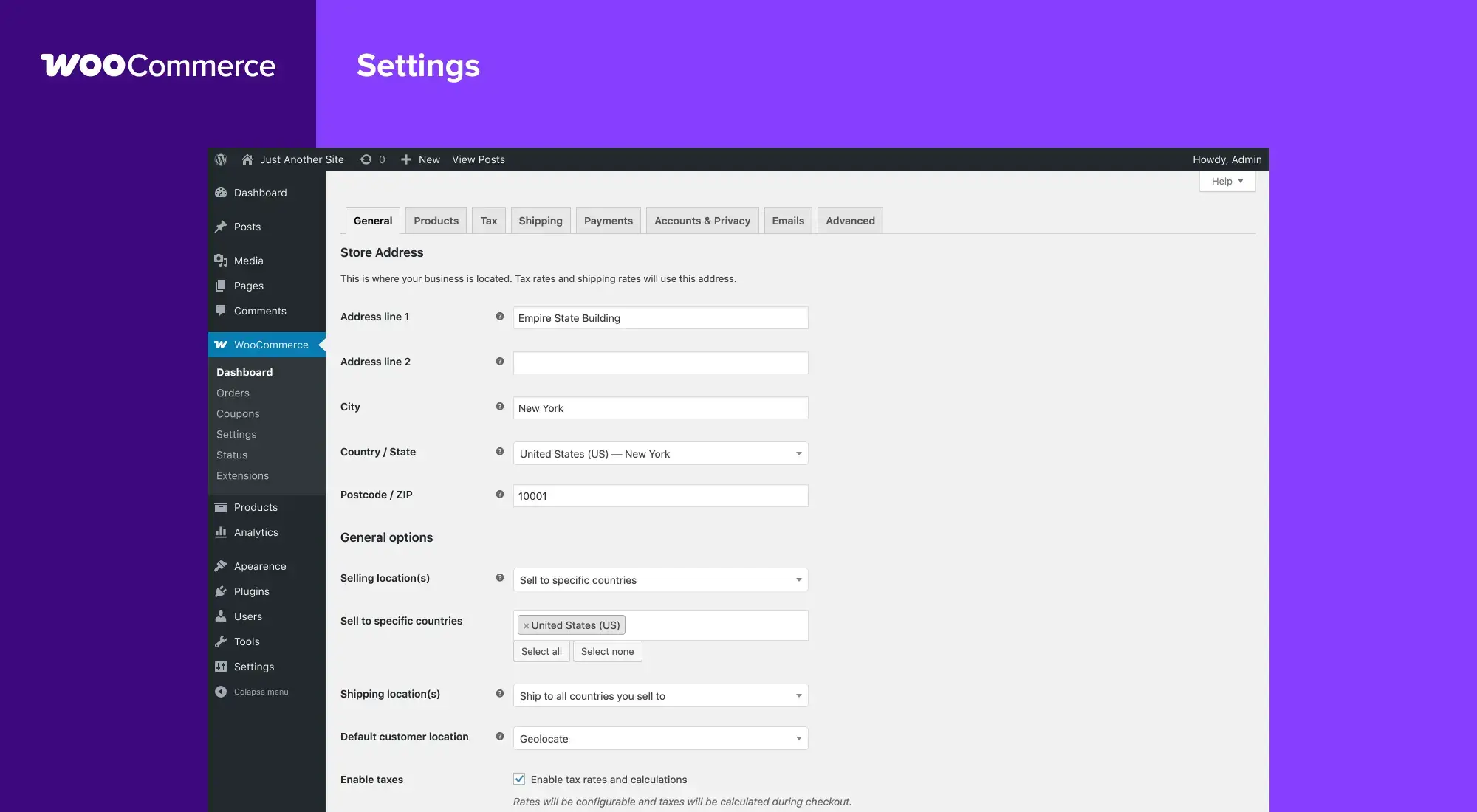
WordPress itself is not an eCommerce platform, but it integrates tightly with eCommerce plugins that transform your site into a store. The most widely used option for this is WooCommerce, which adds products, catalogs, cart and checkout flows, shipping and tax configuration, and a broad extension marketplace.
With a carefully chosen theme and a solid eCommerce plugin, you can build anything from a small boutique store to a large, multi-category shop. Because you remain in the WordPress ecosystem, you can combine shop functionality with rich content, landing pages, and SEO-driven blog posts under one roof, instead of splitting content and commerce between multiple systems.
This combination of store features and content flexibility is particularly appealing for brands that use education, storytelling and content marketing to drive sales instead of relying on product listings alone.
Performance, Security, and Maintenance
One of the realities of choosing WordPress is that you share responsibility for performance and security with your hosting provider and any developers or support services you rely on.
On the performance side, you’ll want to:
- Pick a competent, WordPress-friendly host.
- Use caching and image optimization tools.
- Avoid bloated themes and unnecessary plugins.
Security also requires a bit of attention: strong passwords, good user management, reputable plugins, and regular updates for WordPress core, themes, and plugins. Many hosts provide firewalls, malware scanning, and backup solutions that further reduce risk.
The good news is that none of this has to be overwhelming. Managed WordPress hosting, maintenance services, and clear best practices make it feasible even for non-technical site owners to keep a WordPress site healthy. The important point is to understand that, unlike closed builders, you do have levers to pull when it comes to how fast, secure, and resilient your site is – and that’s part of the appeal for serious projects.
You may also be interested in our in-depth WordPress review.
What WordPress Really Costs
Because the WordPress software itself is free, pricing is not based on subscriptions to the platform but on the stack you build around it.
Typically, your cost structure looks like this:
- Hosting – a monthly or yearly fee to your hosting provider.
- Domain name – usually billed annually, regardless of platform.
- Themes and plugins – many are free; some are premium with one-time or recurring licenses.
- Optional services – design, development, maintenance, or performance optimization help if you choose to hire it.
For small sites with modest traffic, total costs can be comparable to or even lower than many hosted builders, especially when you lean on free or low-cost tools. As your site grows and you invest in better hosting and specialized plugins, your spending can increase – but so does the value of what you can do on the platform.
The main financial advantage is flexibility: you’re not locked into one company’s pricing tiers. You can scale hosting up or down, switch providers, replace paid tools with alternatives, or upgrade selectively where it matters most.
Who WordPress Is Best For
WordPress is not the best fit for absolutely everyone. It shines in specific scenarios and can be overkill in others.
It’s ideal when:
- Your website is a long-term asset, not a throwaway project.
- You care about SEO and content strategy, not just having a few static pages.
- You need integrations, workflows, or features beyond what closed builders offer.
- You want the freedom to change hosts, swap designs, and upgrade functionality without rebuilding from scratch.
- You’re willing to either learn the basics of managing a WordPress site or work with someone who can manage it for you.
It’s less ideal if your only goal is a tiny, temporary site where you never plan to add much content, drive significant traffic, or build out complex functionality. In that case, the full power of WordPress can feel like more than you need.
WordPress Advantages and Trade-Offs at a Glance
To sum up the big picture, here is how WordPress looks when you weigh its strengths against the extra responsibilities it brings:
| Aspect | Advantages | Trade-Offs / Considerations |
| Flexibility & control | Highly flexible structure; can support most types of sites | Requires more decisions and some technical understanding |
| Design & layout | Huge variety of themes; deep customization and full-site editing | Quality varies; poor choices can lead to cluttered setups |
| Plugins & integrations | Massive ecosystem covering almost any need | Must choose carefully and avoid plugin overload |
| SEO & content | Strong foundation for complex content and SEO programs | Works best when you plan and maintain a content strategy |
| eCommerce | Powerful store options that integrate with your main site | More moving parts than a fully hosted store-only solution |
| Performance & security | You have levers to optimize speed and protection | You share responsibility with your host and tools |
| Cost over time | Can be tuned to your budget; no platform lock-in pricing tiers | Premium themes, plugins, and better hosting add to running costs |
| Portability & ownership | Open source; easy to move between hosts and back up your content | You need to organize backups and moves (or use services for that) |
Final Verdict: Is WordPress Worth It?
WordPress is not the simplest website platform you can choose, and it doesn’t pretend to be. What it offers instead is range. It can stay small and nimble for modest sites, then scale with you as your traffic, content, and business requirements grow. You’re not painting yourself into a corner; you’re building on a foundation designed to be reshaped and extended.
If your website is something you expect to rely on for visibility, leads, sales, or customer experience over the coming years, that flexibility is hard to beat. You may spend a little more time (or budget) setting it up properly, but you gain a level of control and future-proofing that simple builders simply don’t provide.Take a look at our side-by-side comparison of Weebly vs WordPress.