
Weebly has been around long enough to feel familiar to many small business owners, bloggers, and hobbyists. It promises a simple way to build a website using drag-and-drop tools, a handful of templates, and bundled hosting. For a certain type of project, that promise is still enough.
But if your site is more than a digital business card, you need to understand both what Weebly does well and where it quietly holds you back. This detailed review looks at Weebly’s core strengths, weaknesses, and main features so you can decide whether it’s a platform to build on – or one to eventually move away from.
What Weebly Is (And Isn’t)
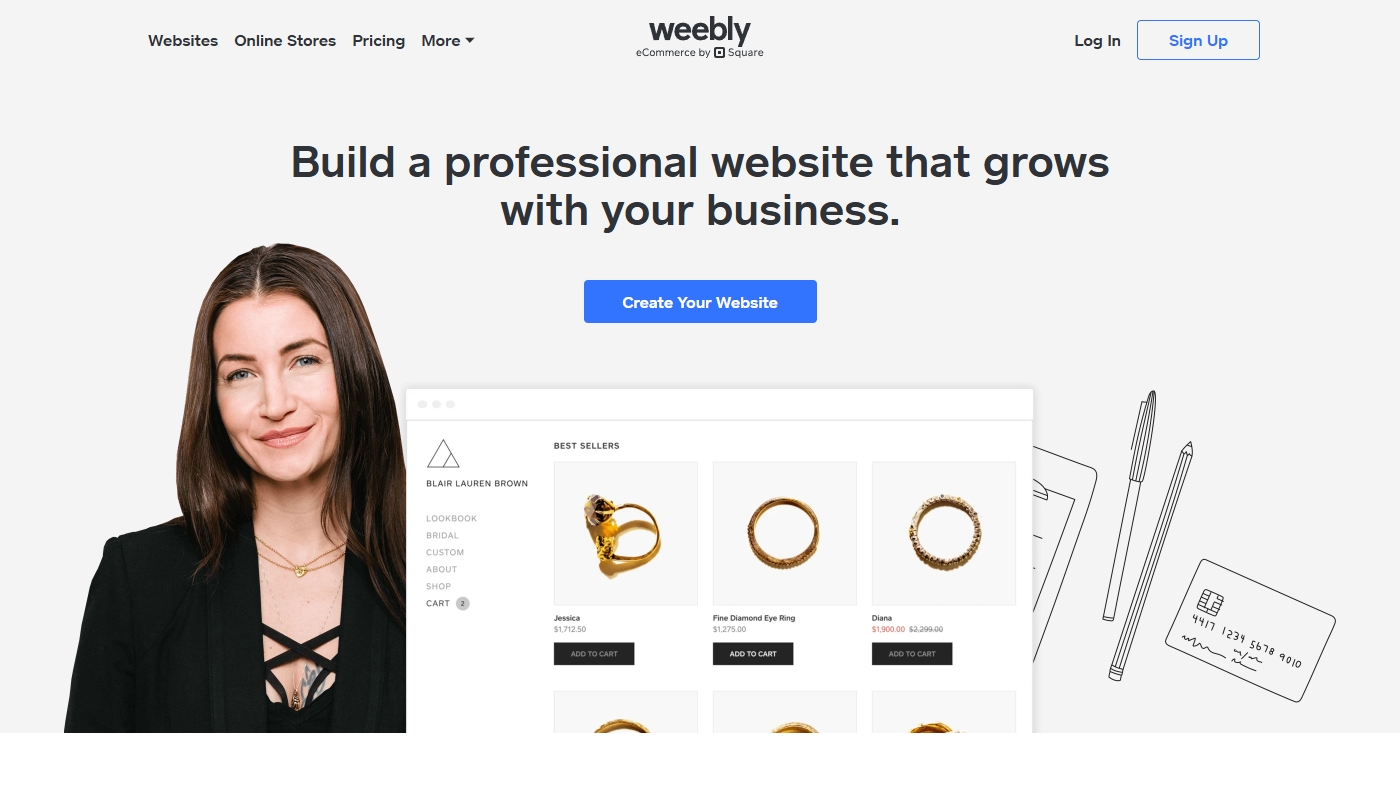
Weebly is a hosted website builder. You sign up for an account, pick a template, and build your site directly inside the browser. Hosting, security basics, and the visual editor all come packaged together. You don’t deal with servers, FTP or installing software.
That makes Weebly approachable for absolute beginners, especially if they only need a simple brochure-style site, a basic blog, or a small store. However, Weebly is not a fully flexible content management system or developer platform. It deliberately hides complexity – and with that, it also hides a lot of power and long-term scalability.
Main Features at a Glance
Weebly’s feature set covers most of what you’d expect from a modern site builder, but with clear “ceiling points” in each area.
Website Builder and Editing Experience
The core of Weebly is its drag-and-drop editor. You add sections, text blocks, images, buttons, and basic elements by placing them on the page. For simple layouts, this works well. You can rearrange content quickly and see changes in real time.
Where it starts to feel constrained is in more advanced layouts. Grid-based designs, complex landing pages, and non-standard structures are harder to implement. You’re working inside a fairly stiff framework, and pushing beyond what templates offer typically requires custom code snippets or compromises.
Templates and Design Tools

Weebly provides a relatively small library of templates. They’re generally clean and modern enough for simple sites, and you can tweak colors, fonts and basic layout options.
However, the designs are not as visually ambitious or diverse as what you’ll find in more advanced builders or CMS ecosystems. If your brand needs a distinctive visual identity, you may quickly feel that every Weebly site looks somewhat similar and that deeper design customization is hard to achieve without workarounds.
Blogging and Content Management
Weebly includes a basic blogging module. You can create posts, categorize them, and add images or media. For personal blogs or simple news updates, it’s perfectly serviceable.
The limitations appear when content becomes central to your strategy. Advanced features like flexible content types, complex archives, custom taxonomies, or highly structured content workflows aren’t really part of Weebly’s world. You can blog; you just can’t turn the blog into a powerful content engine in the same way you can on more robust platforms.
eCommerce Capabilities
Weebly supports eCommerce features such as product listings, carts, and checkout. You can set up small stores, sell physical products, and process orders reasonably easily.
At the same time, it’s not a true competitor to specialized eCommerce platforms. Complex shipping rules, multi-currency setups, advanced discount logic, and deep integrations with external systems are either limited or rely on third-party apps that might not feel as polished. For small catalogues and side projects, Weebly eCommerce can be enough; for serious retail, it tends to feel like a stepping stone rather than a final destination.
Apps and Integrations
There is an App Center with add-ons for forms, marketing tools, and extra widgets. For basic extensions, it can fill some gaps.
However, the ecosystem is small compared to what you find in open platforms with massive plugin marketplaces. If your business uses specific CRM systems, marketing automation tools, booking engines, or niche services, you may find no native integration at all – or only partial solutions that don’t quite cover your needs.
SEO and Analytics
Weebly provides the essentials: editable page titles and meta descriptions, simple URL controls, and basic redirects. For very small websites where SEO is not a primary growth channel, this can be sufficient.
If you want more serious SEO, though – structured data, fine-grained control over URL patterns, deeper performance optimizations, technical tweaks – Weebly’s limited access to the underlying structure becomes a problem. You can connect Google Analytics and search tools, but you’re doing so with less control over how the site itself is built and rendered.
Also read: Weebly Alternatives
Key Strengths of Weebly
Despite its limitations, Weebly has several genuine strengths that make it attractive in certain situations.
First, simplicity is real. Beginners can sign up, choose a template, and put a site online quickly without reading documentation or watching long tutorials. There’s less to configure and fewer decisions to make, which is comforting when you just want something basic to exist.
Second, low maintenance is built into the model. Weebly handles hosting, basic security, and software updates behind the scenes. You don’t worry about managing servers or updating plugins. For non-technical users who never want to see a hosting dashboard, this is a relief.
Third, predictable setup makes it easy to get a minimum viable site running. Because templates and features are limited, there’s less room to make structural mistakes early on. You won’t build an over-engineered site because the platform doesn’t really let you.
For personal projects, temporary sites, school projects, or one-off campaigns, these strengths can be more important than advanced functionality or future scalability.
Main Weaknesses and Limitations
The same characteristics that make Weebly easy also create its biggest weaknesses.
The first major limitation is design and layout flexibility. You can adjust a template, but transforming it into something truly unique is difficult. Adding complex sections, unusual layouts, or refined design systems often requires awkward workarounds or custom code that defeats the purpose of a simple builder.
The second issue is platform lock-in. Content lives inside a proprietary system, and export options are limited. You can’t just press a button and move your fully designed Weebly site to another platform. Migrating usually involves reconstructing layouts and structure elsewhere, sometimes manually. Many owners only discover how restrictive this is when they’ve already invested years into the site.
The third weakness is ecosystem size and pace of innovation. Compared with more open and widely adopted platforms, Weebly receives fewer third-party tools, fewer cutting-edge features, and less experimentation. Over time, this creates a subtle but real gap between what Weebly can do and what more advanced website ecosystems can offer in terms of SEO, performance, integrations, and user experience.
Finally, there is the question of scalability. As your site grows – more content, more traffic, more complex user journeys – Weebly’s simple structures start to feel like constraints instead of conveniences. Features that were fine for a 5-page site feel insufficient for a 200-page resource hub or a serious online store.
Also read: Weebly vs WordPress Comparison
Who Weebly Is Right For (And Who Should Look Elsewhere)
Weebly can be a perfectly reasonable choice if your needs are modest and unlikely to change. Personal projects, small hobby sites, temporary event pages, school assignments, and ultra-simple small business sites with only a few pages can live on Weebly without major issues.
On the other hand, if any of the following describe you, Weebly is more likely to be a temporary stop than a long-term home:
- You rely on SEO and content to bring in traffic and leads.
- Your business is growing, and you expect your site to play a bigger role in marketing and operations.
- You need specific integrations or workflows with external tools.
- You want your brand to stand out visually, not just “have a website.”
In those cases, the convenience of Weebly in year one can become a costly limitation by year three, when you’re forced to migrate in a hurry under pressure from real business needs.
Final Verdict: Weebly in 2025
Weebly still does what it has always done: make it easy for non-technical users to spin up basic websites on a hosted platform. For simple, low-stakes projects, that’s enough. But as soon as your website becomes part of a real business, marketing strategy, or revenue stream, Weebly’s limitations in design, SEO, integrations and portability become difficult to ignore.
If you treat your website as a serious asset rather than just an online placeholder, it’s worth considering more flexible, future-proof platforms before those limitations start to hurt.
Need a migration checklist to start your move? Just let me know – I’ll gladly help you make it a success!
Also read: WordPress Detailed Review