
If you’ve been on Weebly for a while, you’ve probably noticed a pattern: it’s easy to start, but much harder to grow. Limited design options, a shrinking ecosystem, and fewer updates make many site owners ask the same question: what are the best Weebly alternatives, and where should I move my site?
The good news is that you have several strong options. The challenge is choosing a platform that won’t just feel like a sideways move, but a genuine upgrade in flexibility, performance, and long-term stability.
In this article, we’ll look at the leading Weebly alternatives, how they differ, and what types of projects they fit best. You’ll see why so many businesses use a migration as an opportunity to rethink their website, not just rebuild it.
Why People Look for Weebly Alternatives
Most site owners don’t wake up one morning and randomly decide to migrate. There are usually a few recurring triggers.
For some, it starts with design: the site looks dated, templates feel cramped, and it’s hard to achieve a modern layout without hacks. For others, the issue is features and integrations. You might want better SEO tools, deeper analytics, more flexible forms, or connections to the tools you actually use to run your business.
Also read: Weebly vs WordPress Comparison
Then there’s growth. As traffic increases, you might need stronger performance, more granular control over speed optimization, better blog organization or more advanced eCommerce features. At that stage, limitations you used to tolerate become hard blockers.
In short, the search for Weebly alternatives usually comes from the same realization: the platform that got you online is not necessarily the platform that will help you grow.
WordPress (Self-Hosted): The Most Flexible Upgrade Path
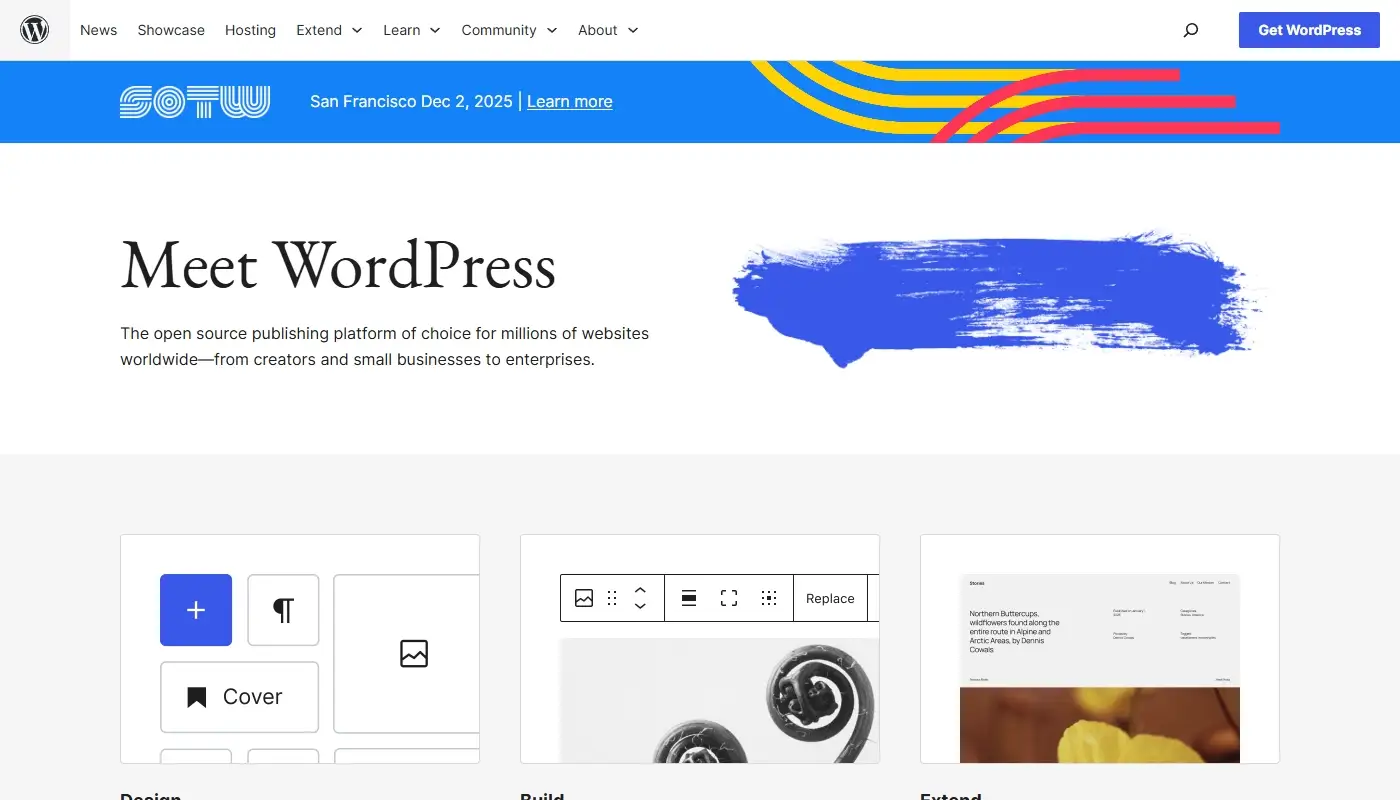
For many ex-Weebly users, WordPress.org is the most logical next step. It’s open source, widely adopted, and capable of powering everything from simple business sites to major media properties and online stores.
Also read: WordPress Detailed Review
The biggest appeal is flexibility. You’re not locked into one company’s vision or roadmap. You choose your hosting provider, pick from thousands of themes, and extend your site with an enormous plugin ecosystem. If you need SEO, eCommerce, membership, booking, online courses, or multilingual support, you’ll find multiple mature solutions in the WordPress world.
Yes, this comes with responsibility. You or your developer will manage updates, backups, and basic maintenance. But in exchange you gain control over performance, security strategy, and how your site is structured. For businesses that see their website as a long-term asset, that trade-off usually makes sense.
WordPress is especially strong if you rely on content for growth—blog posts, landing pages, articles, guides – or if you want your site to evolve alongside your business instead of sitting in a fixed, limited template.
Wix: A Visual, All-in-One Upgrade
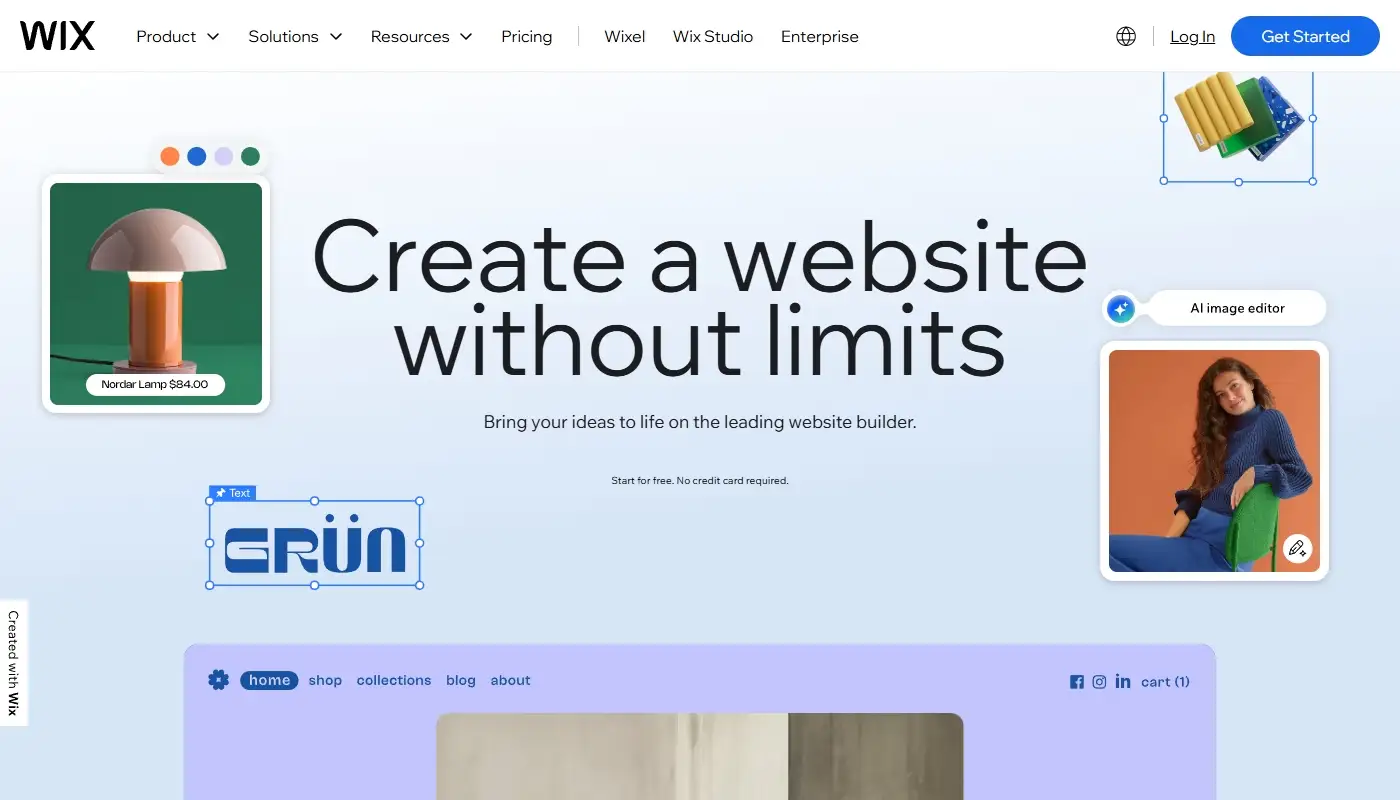
Many Weebly users look at Wix as the “familiar but better” alternative. It’s still a hosted, all-in-one platform, but with a far richer design system and more active development.
The editor offers more creative freedom, with detailed design controls, an app market, and features like Wix Studio or Wix’s AI tools helping you generate layout ideas and initial content. If you enjoyed drag-and-drop building in Weebly but felt constrained by templates and styling, Wix can feel like a natural step up.
However, the same structural trade-offs remain. You’re still on a proprietary platform where moving away later is not trivial, and deep technical SEO or performance tuning remain bounded by what the system allows. For small businesses that want something more modern and capable than Weebly, but still don’t want to think about hosting or updates, Wix can be a solid alternative – as long as you’re aware of the long-term lock-in.
Squarespace: Polished Design for Content-Heavy Sites
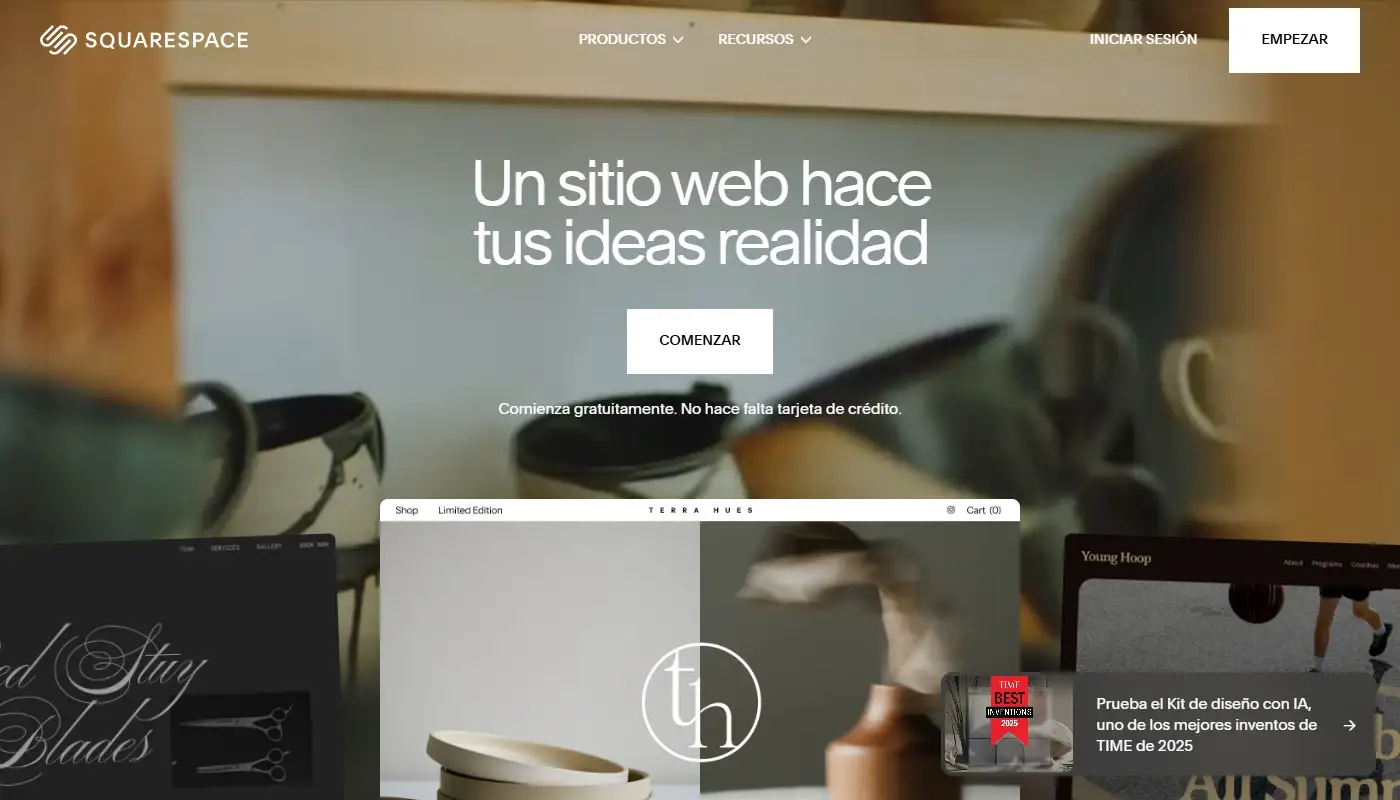
If aesthetics matter above all else, Squarespace is often on the shortlist. It’s known for its curated, visually strong templates that work beautifully for designers, photographers, studios, consultants, restaurants, and other brands where image and layout play a central role.
Compared to Weebly, Squarespace offers more polished design out of the box and a more cohesive visual system. You get integrated blogging, basic eCommerce, scheduling (on certain plans), and decent SEO controls, all wrapped in a clean interface.
The trade-off is that Squarespace is more opinionated. You have less structural freedom than in WordPress and fewer deep customizations than in Wix with its more free-form editor. But if your primary need is a beautiful, modern site with strong content and a manageable learning curve, Squarespace is an appealing alternative for many Weebly users.
Shopify and Other Store-First Alternatives

For some Weebly sites, the main reason for migrating is eCommerce. If your site is really a store first and everything else second, Shopify often becomes the leading candidate.
Shopify is built around selling: inventory management, checkout, payment integrations, shipping rules, abandoned-cart flows, and a large app ecosystem focused on commerce. Compared to Weebly’s eCommerce capabilities, Shopify is more mature, more actively developed, and better integrated with the broader world of online retail.
The trade-off is that Shopify is specialized. It’s excellent for product catalogs, transactional flows, and store operations, but it’s not as flexible or content-friendly as WordPress for complex, content-heavy sites. If you choose Shopify as a Weebly alternative, it’s usually because the store is the heart of your business and you’re ready to invest in a platform that’s designed around selling from day one.
For smaller store owners who are already deeply embedded in Square’s ecosystem, Square Online can also be a natural post-Weebly option, especially if in-person and online sales need to be tightly linked.
Webflow and Other “Designer-Oriented” Builders
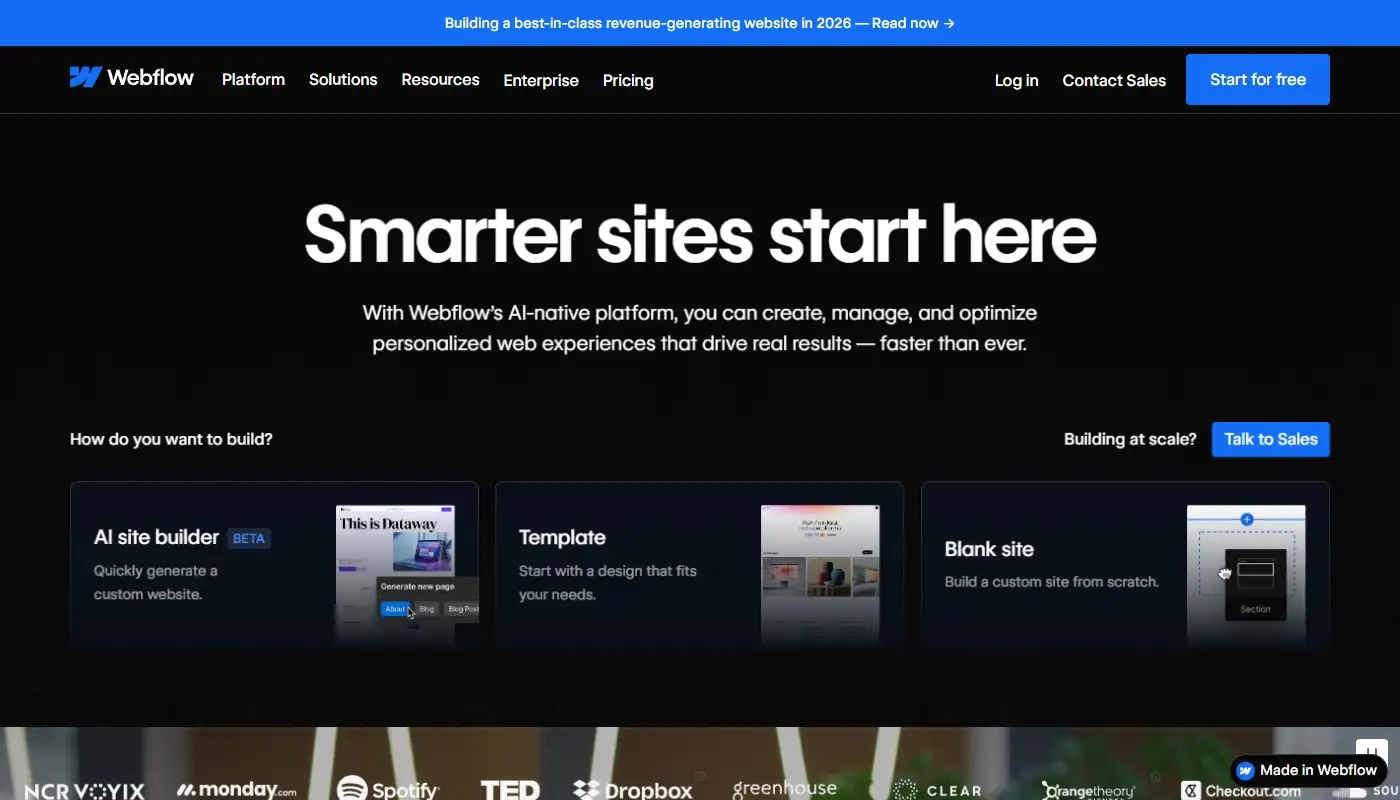
Another category of Weebly alternatives are the design- and layout-driven builders such as Webflow. These platforms position themselves between traditional site builders and front-end development tools, giving you finer control over layout, interactions, and CSS-level styling through a visual interface.
For teams that want pixel-level control and are comfortable with a bit of technical thinking, this can be a compelling step. For typical small business owners without design or dev support, however, these tools can feel more complex than necessary.
Compared to Weebly, Webflow lets you build incredibly custom designs, but it doesn’t try to hide the underlying structure. That’s a win if you care about precision and control, but it can be overkill if you just want a clean, straightforward site.
Quick Comparison of Leading Weebly Alternatives
Here’s a high-level snapshot of how the main alternatives stack up when you’re planning a migration:
| Platform | Best For | Flexibility & Growth | Ease of Use | Lock-In Risk |
| WordPress (self-hosted) | Businesses treating site as a long-term asset; content- and SEO-driven projects | Very high – themes, plugins, custom code; highly scalable | Moderate: more to learn, but modern editors help | Low – open source, portable between hosts |
| Wix | Small businesses wanting a visual, hosted builder upgrade | High within Wix ecosystem; limited if you ever leave | High: drag-and-drop, intuitive editor | Medium–High – proprietary platform |
| Squarespace | Visually focused brands, portfolios, simple stores | Moderate: structured but polished; less modular than WordPress | High: streamlined, guided interface | Medium – proprietary templates and system |
| Shopify | Store-first businesses, serious eCommerce | High for eCommerce; content more constrained | Moderate: commerce-focused workflows | Medium–High – tied to Shopify stack |
| Webflow | Design-conscious teams, agencies, advanced layouts | High design flexibility; more technical to master | Moderate–Low for non-designers | Medium – proprietary platform and hosting bias |
This table isn’t about declaring a universal “winner,” but about highlighting what kind of post-Weebly future each platform is best suited for.
How to Choose the Right Weebly Alternative for Your Situation
The right migration target depends less on what you’re leaving behind and more on where you want to go.
If you want maximum strategic flexibility, the ability to shape your site around your business instead of the other way around and strong SEO and content capabilities, then a self-hosted WordPress stack usually delivers the best long-term value. You invest a bit more effort in configuration and maintenance but gain independence from any single vendor’s decisions.
If you mainly want a nicer, more modern hosted builder with better design options and are comfortable with ongoing platform lock-in, Wix or Squarespace can be acceptable upgrades. They often feel like “Weebly, but upgraded” rather than a complete rethink of how your website is built.
If your entire business revolves around selling products online, you might not need a general-purpose CMS at all. In that case, moving from Weebly straight into Shopify (or, for smaller setups, Square Online) can make sense, as long as you’re okay with their transaction-centric mindset and app-based expansion.
The crucial point is this: a migration isn’t just about copying pages from one system to another. It’s an opportunity to align your platform choice with your business model, growth plans, and the role your website plays in your marketing, sales and operations.
Final Thoughts: Use Migration as a Strategic Upgrade, Not Just a Rebuild
Leaving Weebly can feel intimidating, especially if you’ve had your site there for years. But staying on a platform that’s holding you back is often more expensive in the long run than moving to something better suited to your needs.
Also read: Weebly Detailed Review
Think beyond “what is easiest tonight” and consider where you want your website to be one, three, or five years from now. Choose a platform that can grow with you, not one you’ll need to leave again at the next stage.
If you’d like a migration checklist or a visual feature comparison to help you kickstart your move, just let me know – happy to help you make a smart and smooth transition!